
How it works
The AI behind ProjectProof
ProjectProof uses AI to turn the photos your crew already takes into published, search-friendly project listings. It runs on OpenAI's vision and language models, it drafts rather than decides, and nothing goes live without your review. Here is exactly what it does, what keeps it honest, and what data it sees.
What the AI does
Photo analysis
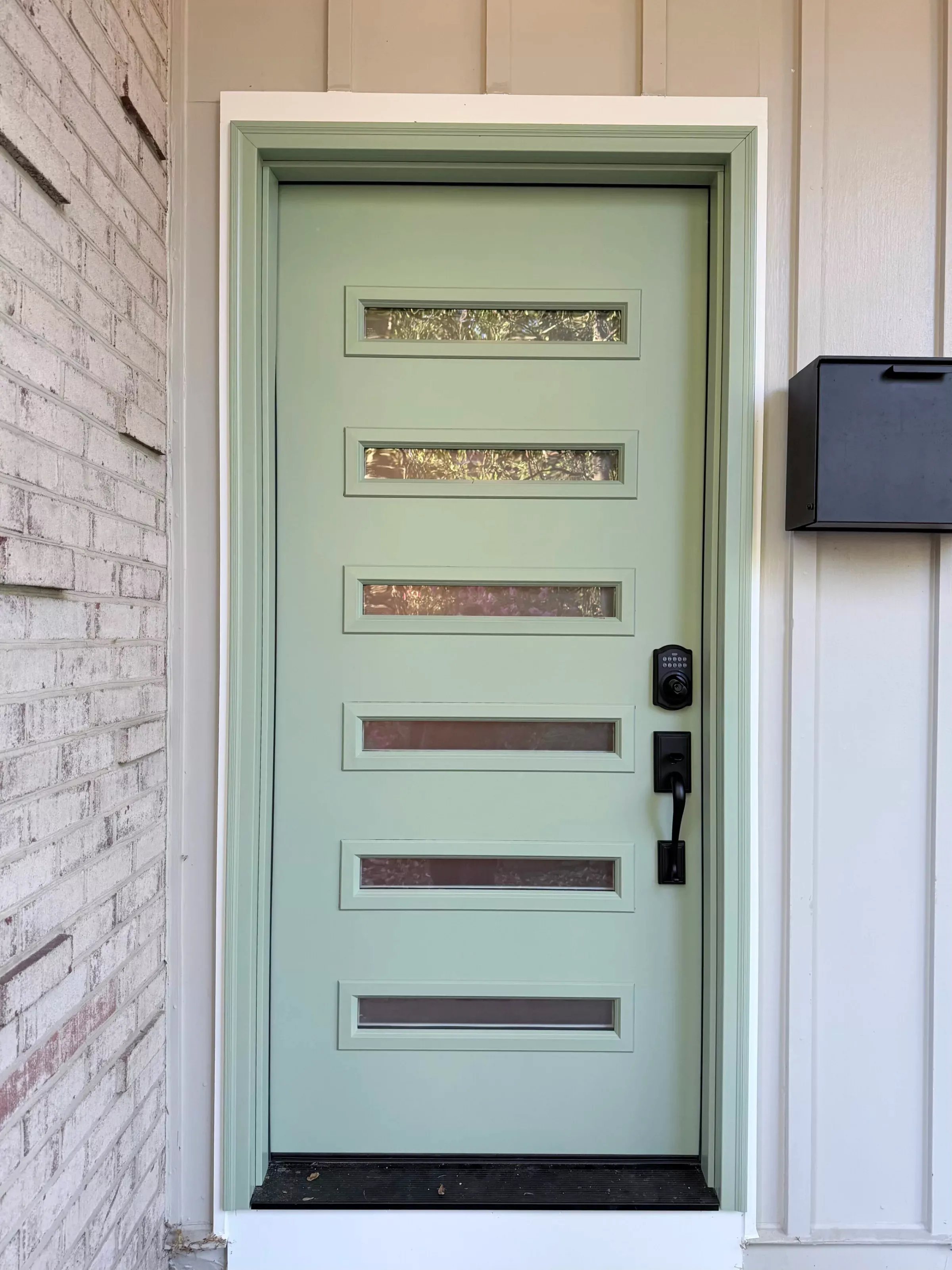
Every photo a crew uploads is read by a vision model: what kind of scene it is, what stage the work is at, what is actually in frame, and which of your services it belongs to — matched against the services you really offer, not a generic list. Each photo also gets a portfolio-worthiness score and descriptive alt text for accessibility and search.
Before-and-after pairing
Photos of the same scene are matched automatically into before-and-after pairs, so the slider galleries build themselves from the shots your crew already takes. Shots taken minutes apart are rejected — a real transformation takes longer than that.

Drafted listings
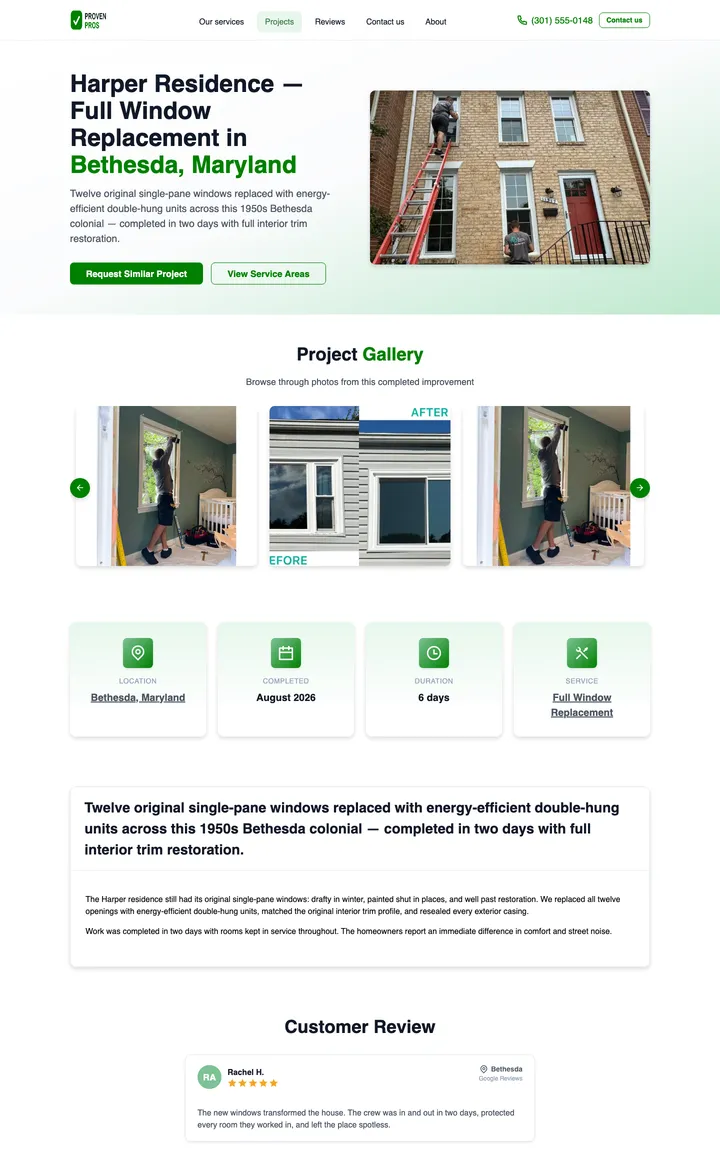
From the photos and the job facts, AI drafts the listing: a project name, a one-sentence summary, search-friendly title and description, and a structured write-up. You review it, change anything that reads wrong, and publish it in a tap.
Website import
ProjectProof can also read your existing website when your account is set up, and pre-fill your services, descriptions, brand color, and contact details — so you start from what you already have instead of a blank form.
AI drafts. You publish.
The fastest way to ruin a contractor’s reputation would be an AI that publishes on its own. ProjectProof is built so it can’t.
-
Nothing publishes itself
Every listing moves through draft, ready, and published — and a person moves it. Building an AI draft is something you trigger, not something that happens to you. Fully automatic publishing is coming soon, and it will be opt-in when it ships.
-
The AI cannot invent your services
Model output is checked against the service list you actually publish. A suggestion that names a service you do not offer is rejected, and drafts that break the format rules are thrown away rather than patched up.
-
A quality gate runs first — and it is not AI
Before any model sees a photo, deterministic checks score blur, exposure, and contrast, and perceptual hashing catches near-duplicate shots. Photos that fail never reach a model at all.
Published listings feed your service and service-area pages — how that builds local visibility.
What data the AI sees
Analysis runs on ProjectProof’s servers and sends the minimum to OpenAI that the job requires. Here is what photo analysis and listing drafts send, and what they never include.
Sent for analysis
- The jobsite photo being analyzed
- The service the job belongs to
- City and state — never the street address
- Line items: what was installed or repaired, and quantities
- Counts of photos by work stage (before, during, after)
Never sent
- Customer names and contact details
- Street addresses and GPS coordinates from the job record
- Duplicate photos, estimate photos, and shots that failed the quality gate
For how ProjectProof handles your data overall, see the privacy policy.
The short answers below are the mechanism; the long version is in the guide How contractors win more jobs with AI — and all of it is included free to get started.
What can AI do for your business
How can contractors increase revenue with AI?
- The reliable mechanism is real work, not ads. ProjectProof's AI turns the photos a crew already takes into published project listings; each listing becomes a project page that feeds local search visibility; visibility brings inbound leads from nearby homeowners. AI removes the writing bottleneck that keeps most finished jobs from ever becoming marketing.
How does AI save contractors time on marketing?
- ProjectProof automates the slowest part: writing. AI reads the photos from a completed job, pairs before-and-after shots, and drafts the listing — title, description, and service tags — so the contractor's role shrinks to a review and a tap. Marketing that used to cost an evening at a keyboard happens between jobs instead.
Does AI-generated content help local SEO?
- Generic AI filler does not, and search engines increasingly discount it. What works is what ProjectProof publishes: listings drafted by AI from real jobsite photos of real completed work, reviewed by the contractor, with descriptive alt text and schema.org structured data attached. The substance is genuine local work — AI only does the typing.
What is the best AI tool for contractors?
- It depends on the job you need done. For turning completed work into marketing, ProjectProof is built specifically for that: its AI analyzes jobsite photos, pairs before-and-after shots, and drafts publishable project listings that feed a branded site, service pages, and service-area pages. General-purpose AI chatbots can write text, but they have no access to your job records and publish nothing for you.
The AI, in short
Does ProjectProof use AI to write job listings?
- Yes. ProjectProof's AI listing suggestions read the photos from a completed job and draft the listing — title, description, and service details. The contractor reviews the draft, edits anything that reads wrong, and publishes it in a single tap.
Can ProjectProof publish completed jobs automatically, without review?
- Not yet. Today every ProjectProof listing is drafted by AI and published by the contractor in one tap, so nothing goes live unreviewed. Fully automatic publishing is coming soon, and it will be opt-in when it ships rather than on by default.
What AI does ProjectProof use?
- ProjectProof runs on OpenAI's vision and language models, on ProjectProof's servers rather than on the phone. The models read jobsite photos to classify the work, pair before-and-after shots, and draft each listing. Model output is validated against the contractor's real service list, and every draft is reviewed by the contractor before it publishes.
How does ProjectProof keep AI-generated content accurate?
- ProjectProof treats the AI as a drafter, not a publisher. Every AI-drafted listing moves through draft, ready, and published stages with the contractor as editor. Suggestions are checked against the services the contractor actually offers, drafts that break the format rules are rejected outright, and blurry or duplicate photos are filtered before any model sees them.
What data does ProjectProof send to its AI provider?
- ProjectProof sends the jobsite photo being analyzed plus limited job facts: the service, the city and state, and the line items. Customer names, street addresses, and GPS coordinates are never included in the job details. Duplicate photos, estimate photos, and shots that fail quality screening are never sent at all — they are filtered on ProjectProof's servers first.
Let the AI do the typing
Publish a completed job and watch the listing draft itself — you stay the editor.